
Run your day with a calendar that behaves like your work.
PDiary combines scheduling, client registry, payments, and notes in one place. It is designed for people who book real appointments, handle recurring sessions, and need clear records.
Android is available now. iOS and desktop are planned.
Profiles: one app, different workflows
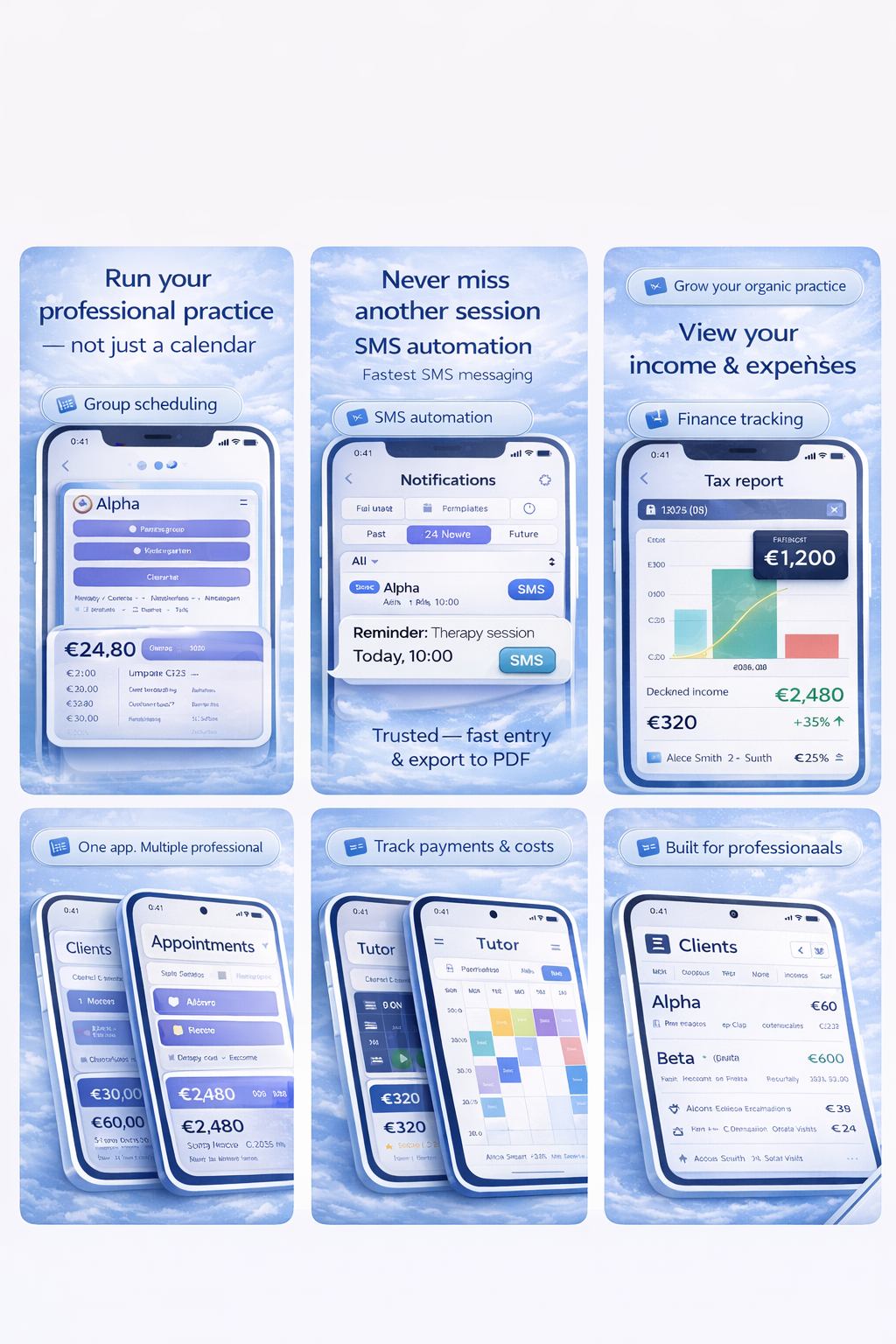
You select your profile once. The labels and screens adjust to your job. This keeps the app lean: fewer irrelevant fields, faster data entry, less noise.
Therapy
Nursery / Kindergarten
Tutoring
Salon
What you get
A small set of features that cover most day-to-day admin, without turning into a complex ERP.
Calendar that stays readable
- Fast create and edit
- Recurring patterns
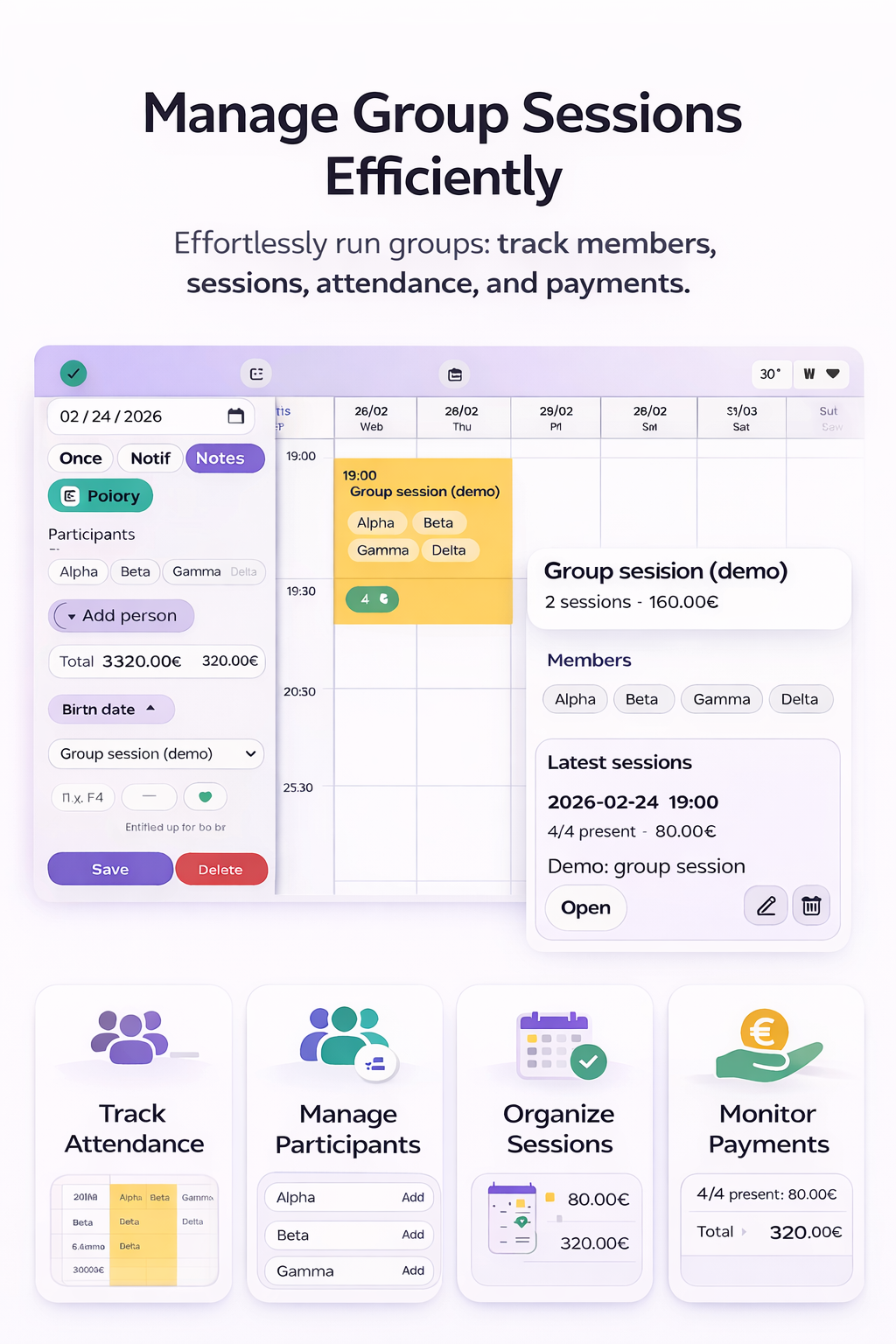
- Group entries and counts
Client registry
- Quick search
- Event history per client
- Custom fields per workflow
Payments and expenses
- Income per day / month
- Expense tracking
- Year overview
Notes that do not get lost
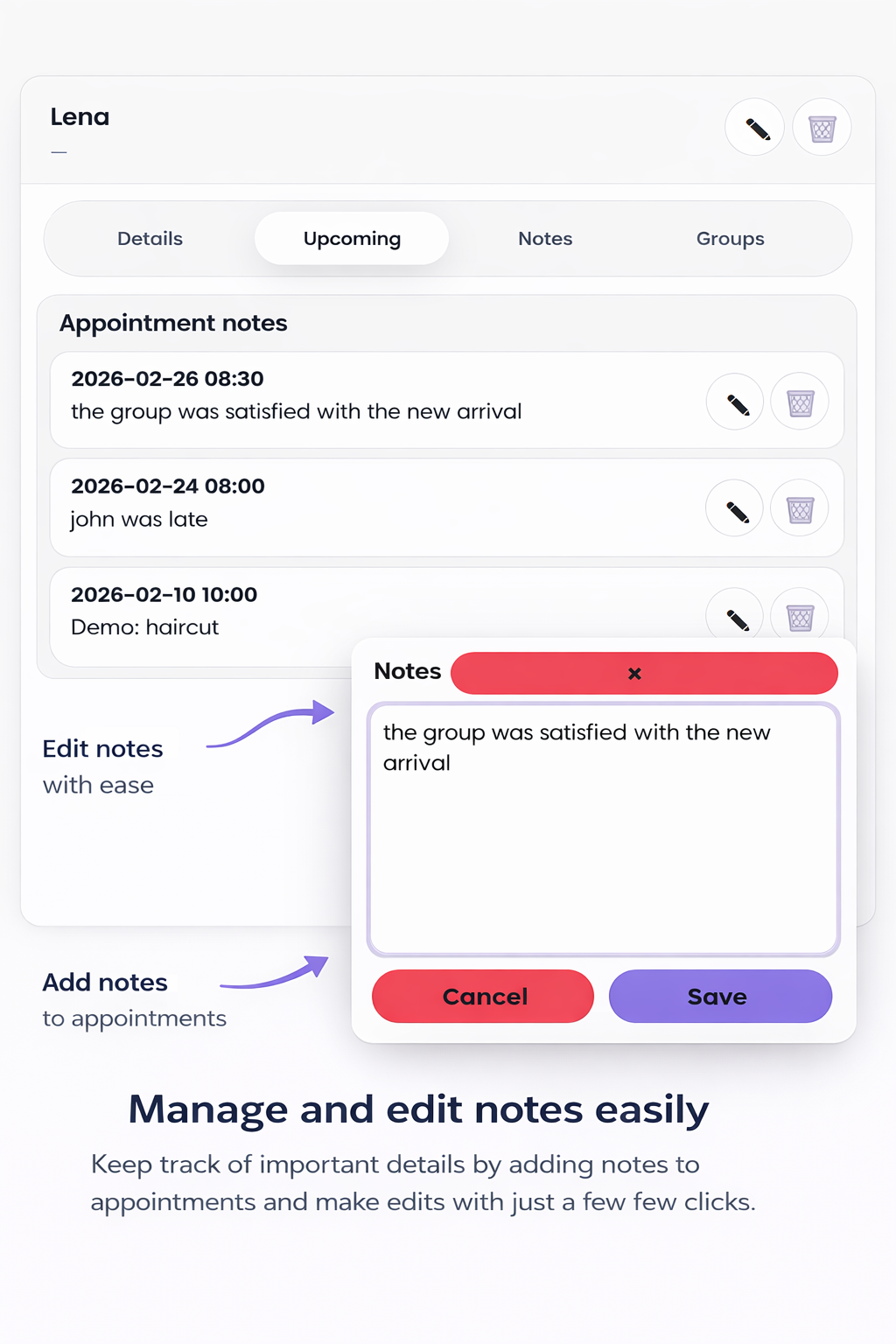
Attach notes to sessions or keep standalone notes. Keep writing, keep context.
Reminders
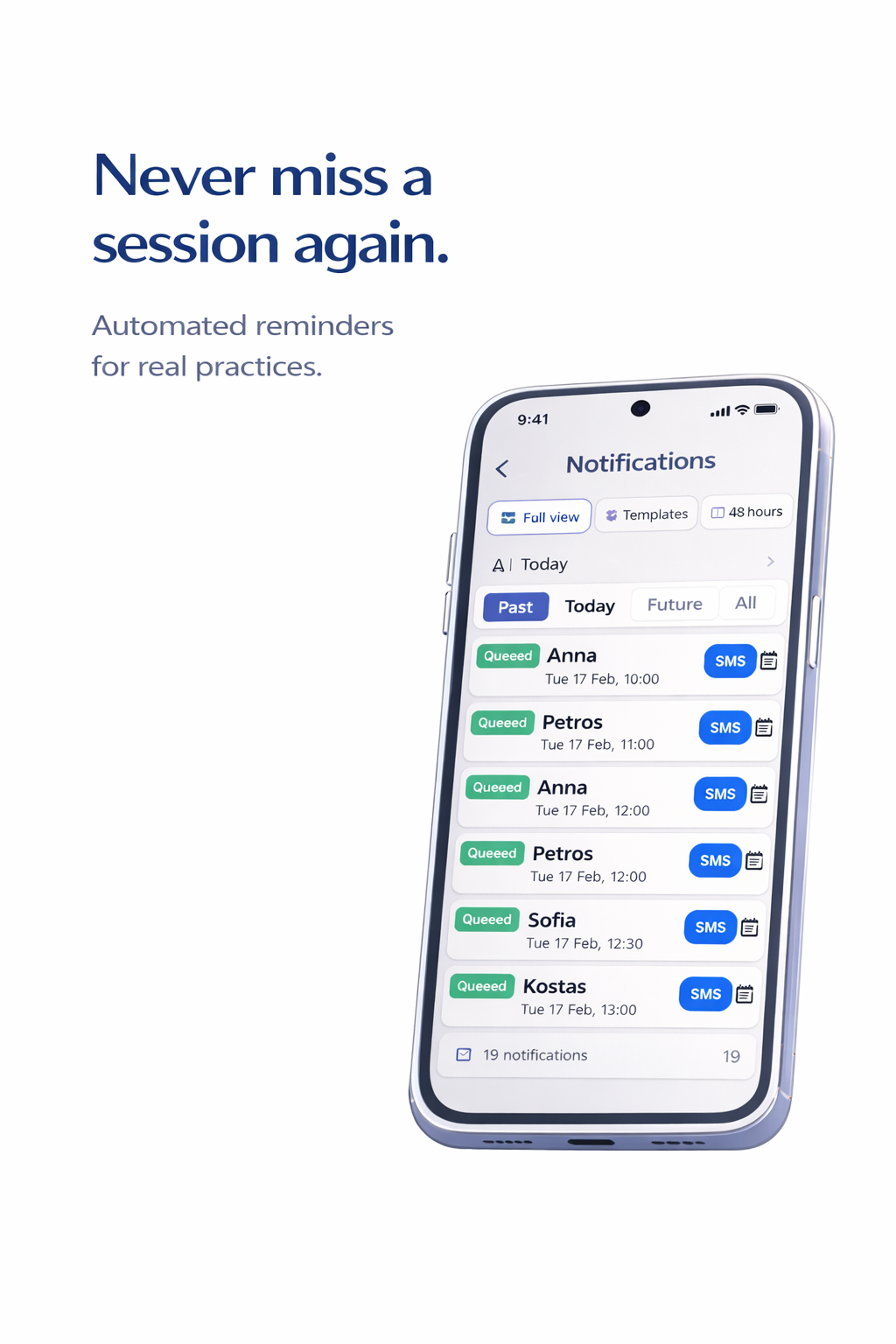
Reduce no-shows with reminders. Use notifications and optional SMS.
FAQ
Short answers to the questions that usually block a download.
Is this a calendar app or a business app?
Both. The calendar is the entry point. Around it you get clients, services, payments, notes, and reminders. The goal is less admin and fewer separate tools.
Do I need a specific profile?
No. Profiles are optional. They simply adjust labels and defaults so the interface matches your work language.
Can I run group sessions?
Yes. Group sessions are treated as first-class events, not as notes. This keeps the week view readable.
Is iOS available?
Not yet. Android is available now. iOS and desktop are planned.
Do you store sensitive content?
Use PDiary responsibly. Review the privacy policy for how data is handled, and avoid storing anything you do not want in a mobile device.